
Our Portfolio.
A creative agency that believes in the power of creative ideas and great design.



Popular
-
 This dedicated to The Druids who wanna be The Expert's in the open source. Learn how to use the content management framework to create p...
 -
 Would You Like to Sell Online? With BigCommerce anyone can quickly and easily create their own online store without any technical experi...
 -
 A hosting is a must for a website as a main component moreover for a webmaster. If it was wrong decision when choosing hosting server ther...
 -
 It's the channel of fashion online store. BajuImportKorea.com provides many kind of import clothing includes dresses, blouses, party ...
 -
 As web designer and developer I trust MWN to serve hosting for my client's websites. To install Drupal multisite on MWN that based on S...

"Lorem ipsum dolor sit amet, consectetur adipiscing elit. Duis mauris ex, gravida ut leo eu, rhoncus porta orci. Fusce vitae rutrum nulla."

"Lorem ipsum dolor sit amet, consectetur adipiscing elit. Duis mauris ex, gravida ut leo eu, rhoncus porta orci. Fusce vitae rutrum nulla."

"Lorem ipsum dolor sit amet, consectetur adipiscing elit. Duis mauris ex, gravida ut leo eu, rhoncus porta orci. Fusce vitae rutrum nulla."
Meet The Team
Our process on creating awesome projects.
John Marshall
Designer
Steve Roberts
Photographer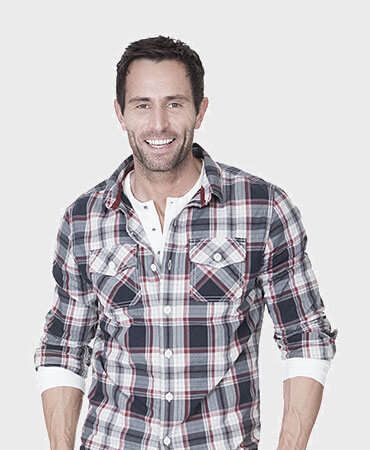
Michael Cartney
DesignerGet in Touch
Feel free to drop us a line to contact usFeel free To Contact
Lorem ipsum dolor sit amet, consectetur adipisicing elit. Voluptate dolores, quasi unde quisquam facilis at ullam aperiam similique dicta voluptatibus!
- 3066 Stone Lane, Wayne, Pennsylvania.
- +610-401-6021, +610-401-6022
- admin@mydomain.com
- www.yourdomain.com